
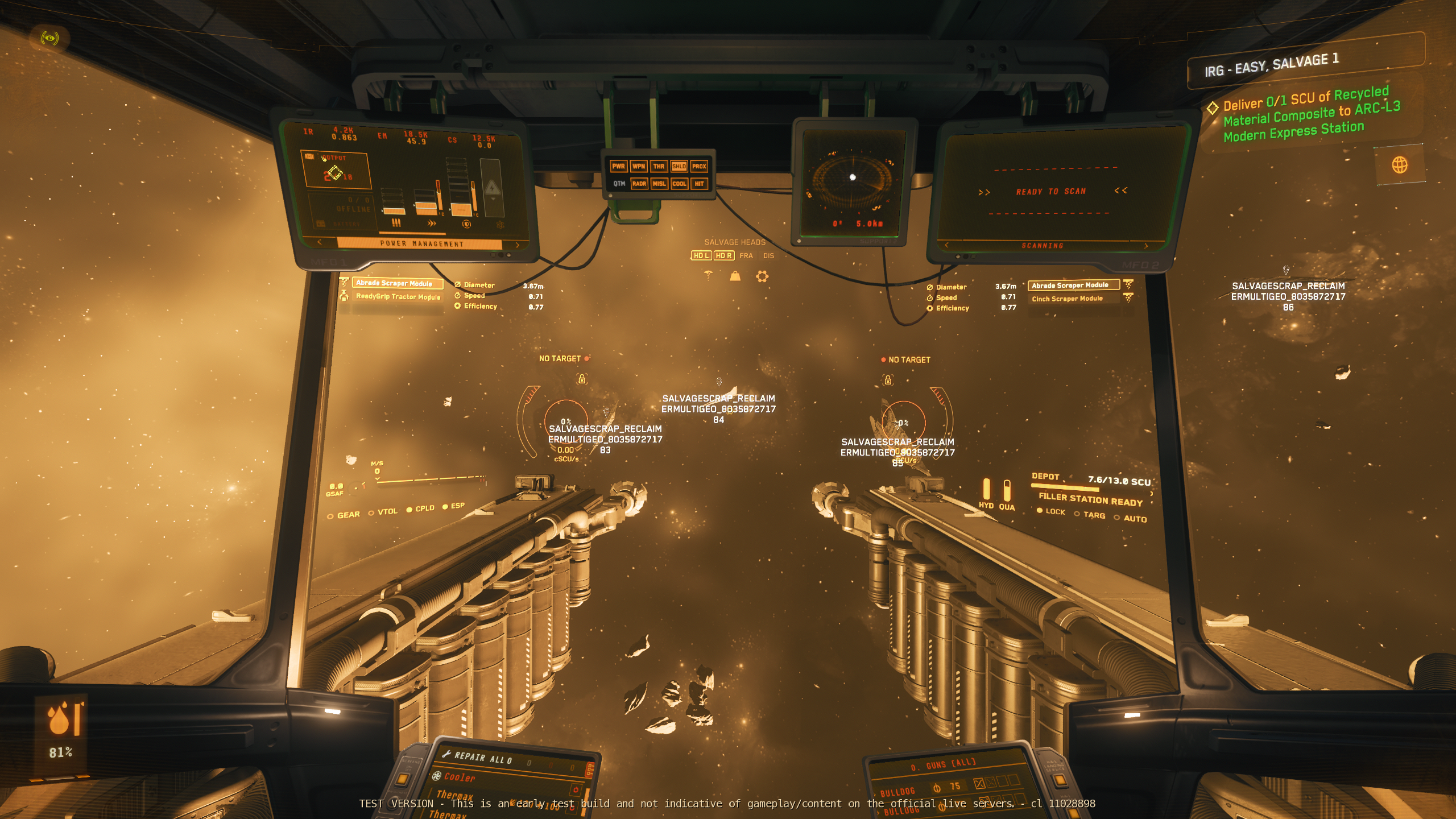
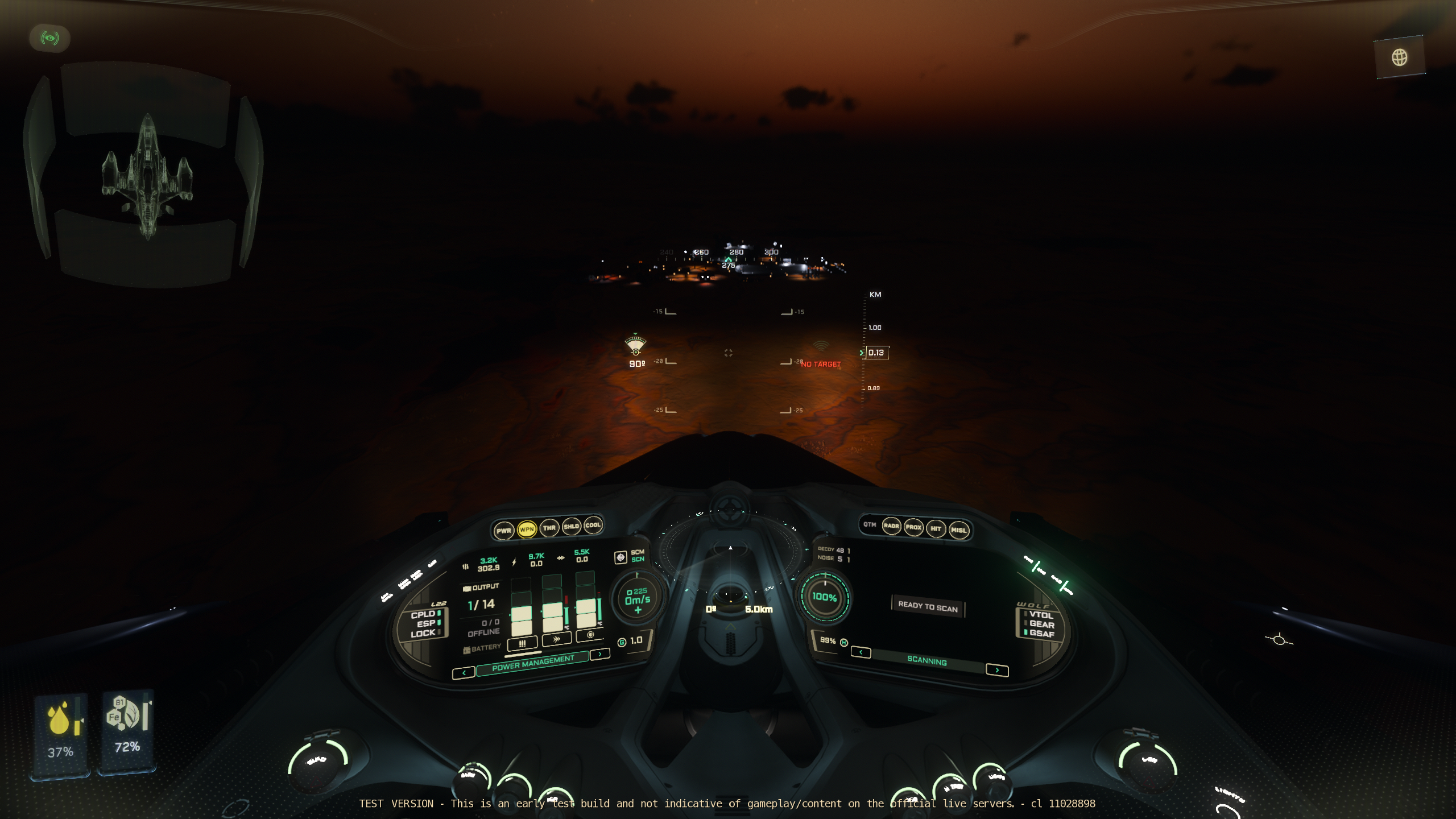
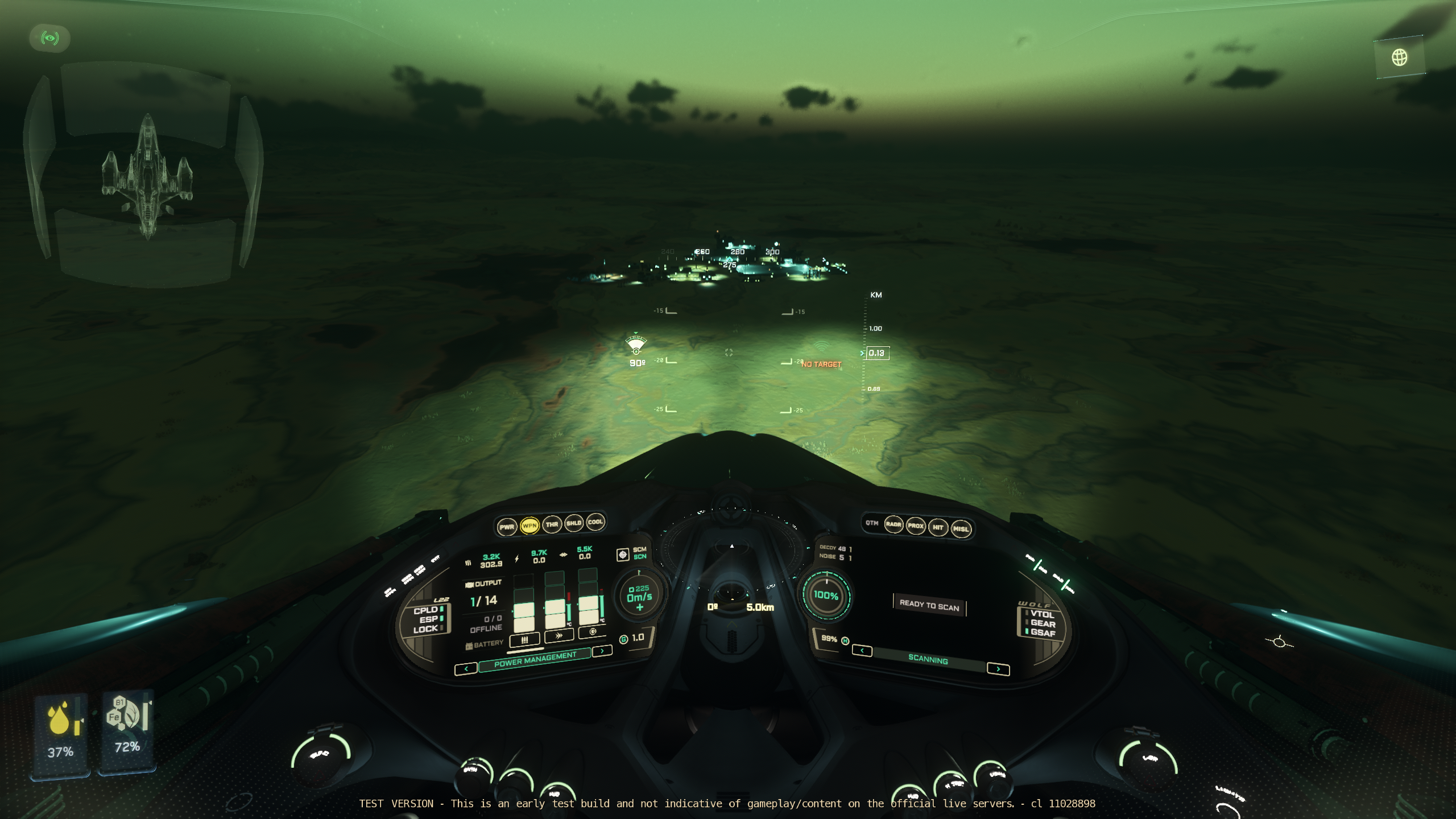
Star Citizen is adding Light Amplification to some ships in Alpha 4.6, which is currently open to Wave 1 public testing. Rather than enable all ships at once, the feature isn’t yet feedback ready, with around 50 ships currently being enabled. Although for those that do have it, landing on the dark side of planets and moons in the verse, as well as asteroid mining is made so much easier.
We’ve previously seen LAMP on low light weapon optics, which had a greeny blue tint, but ship canopy night vision has manufacturer specific tints, with Drake amber, RSI purple and MISC grey-blue.
How to Activate
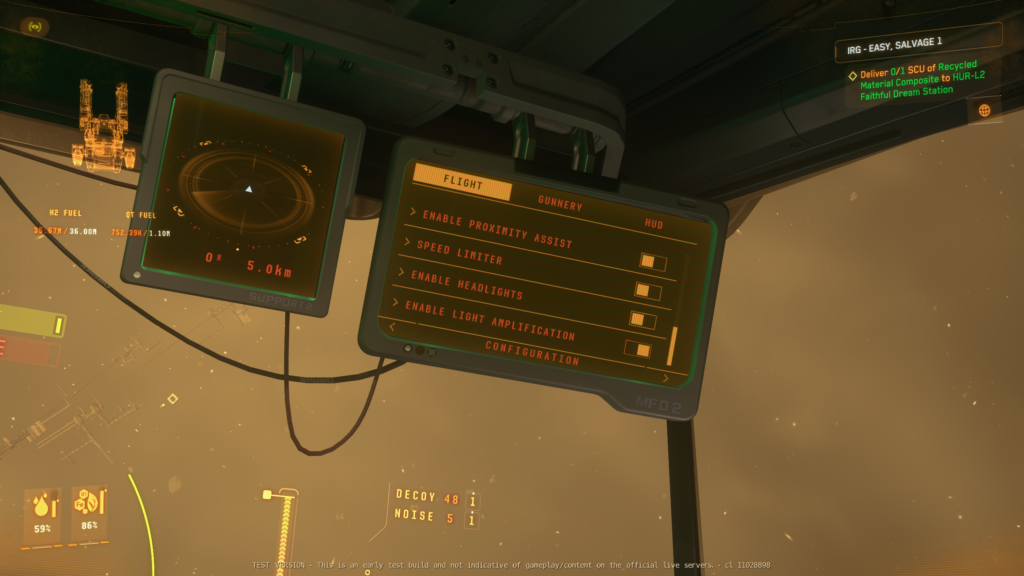
You can activate lamp either by the default hotkey of Right ALT + L, or the MFD > Configuration – Flight
How to Rebind LAMP
From your escape menu, go to Keybindings, Advanced Controls, from there you have 3 settings under the Vehicles – Seats and Operator Modes dropdown so you can reconfigure the default keybind or assign joystick buttons
- Light Amplification Toggle (Right Alt + L)
- Light Amplification On
- Light Amplification Off
What ships have LAMP?
CIG have officially listed the following ships as being enabled in patch 4.6, with others coming later:
Currently supported ships include the Avenger series, Eclipse, Gladius Series, Retaliator, Sabre Series, Hornet Series, Arrow, Gladiator, Hawk, Hurricane, Lightning F8C, Terrapin/Medic, Mole, Defender, Mustang Series, Nomad, Ares Ion/Inferno, Intrepid, Buccaneer, Cutlass Series, Golem/Ox, Vulture, Blade, Glaive, Prowler/Utility, L-21, L-22, P-52, P-72, Fortune, Prospector, Razor Series, Reliant Series, Fury Series, 300 Series, 85x, X1 Series, Salvation, Scorpius/Antares, Scythe, San’tok.yai, Pisces Series, MPUV Series.
You can read the patch notes for yourself on Spectrum
LAMP enabled ship additions:
2026-07-16 Alpha 4.9
- Golem Ox
- Mirai Guardian Series
- Grey’s Basher